Build it.
Billed it.
Build invoices directly from your terminal
Forget complicated onboarding
Forget context switching
Simply bill --create
Use a familiar command flow
bill --init-config Define your profiles and project details
Follow the guided prompt through every step.
bill --rmv-item Manage your details
Add any custom details you miss.
bill --user-custom:vat-number "445663" Personalise where needed
Still missing something? use the custom commands.
bill --summary Review before generating
Get a full overview of your content details.
bill --create Generate the PDF
Save it to a directory of choice, ready to send!
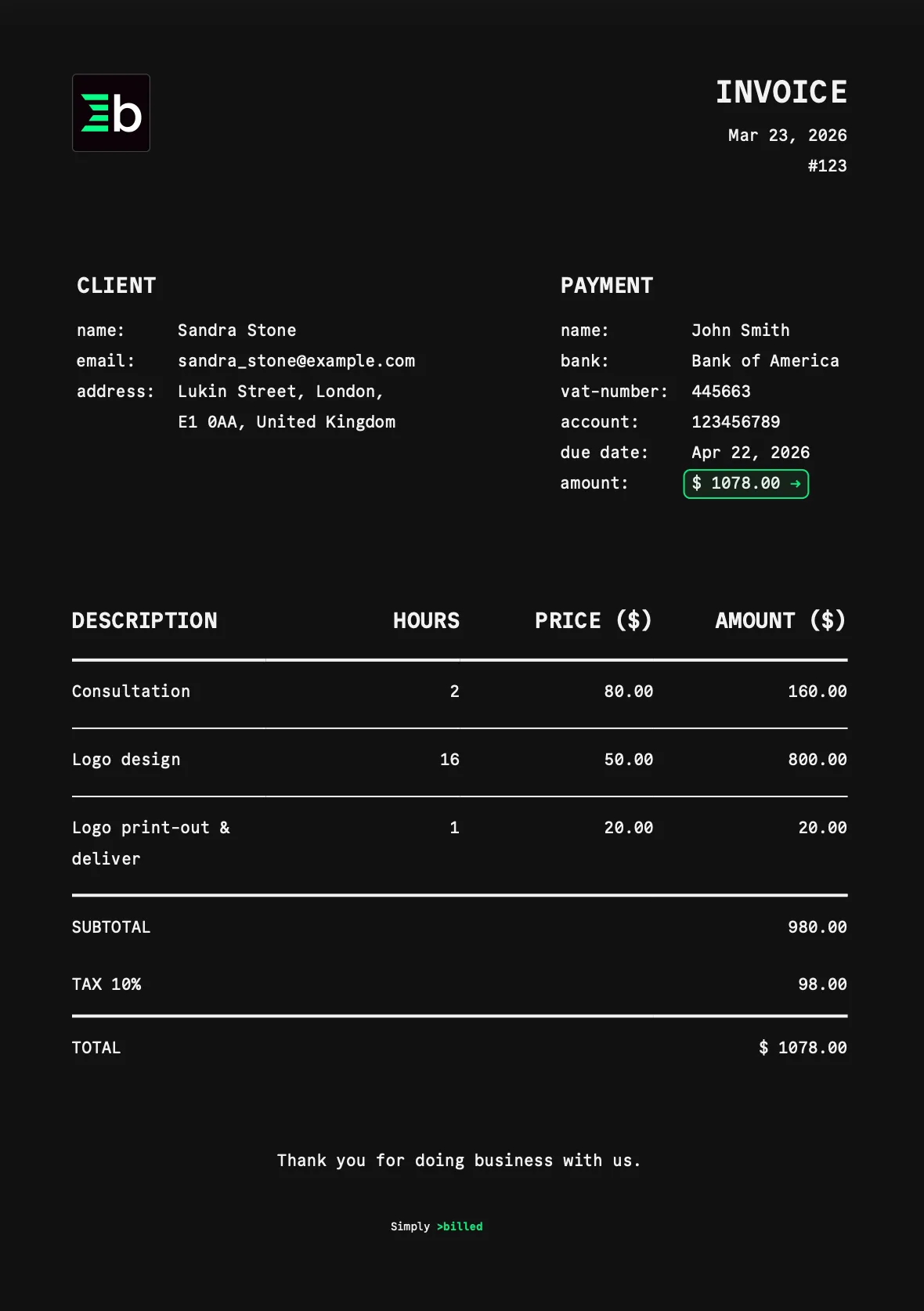
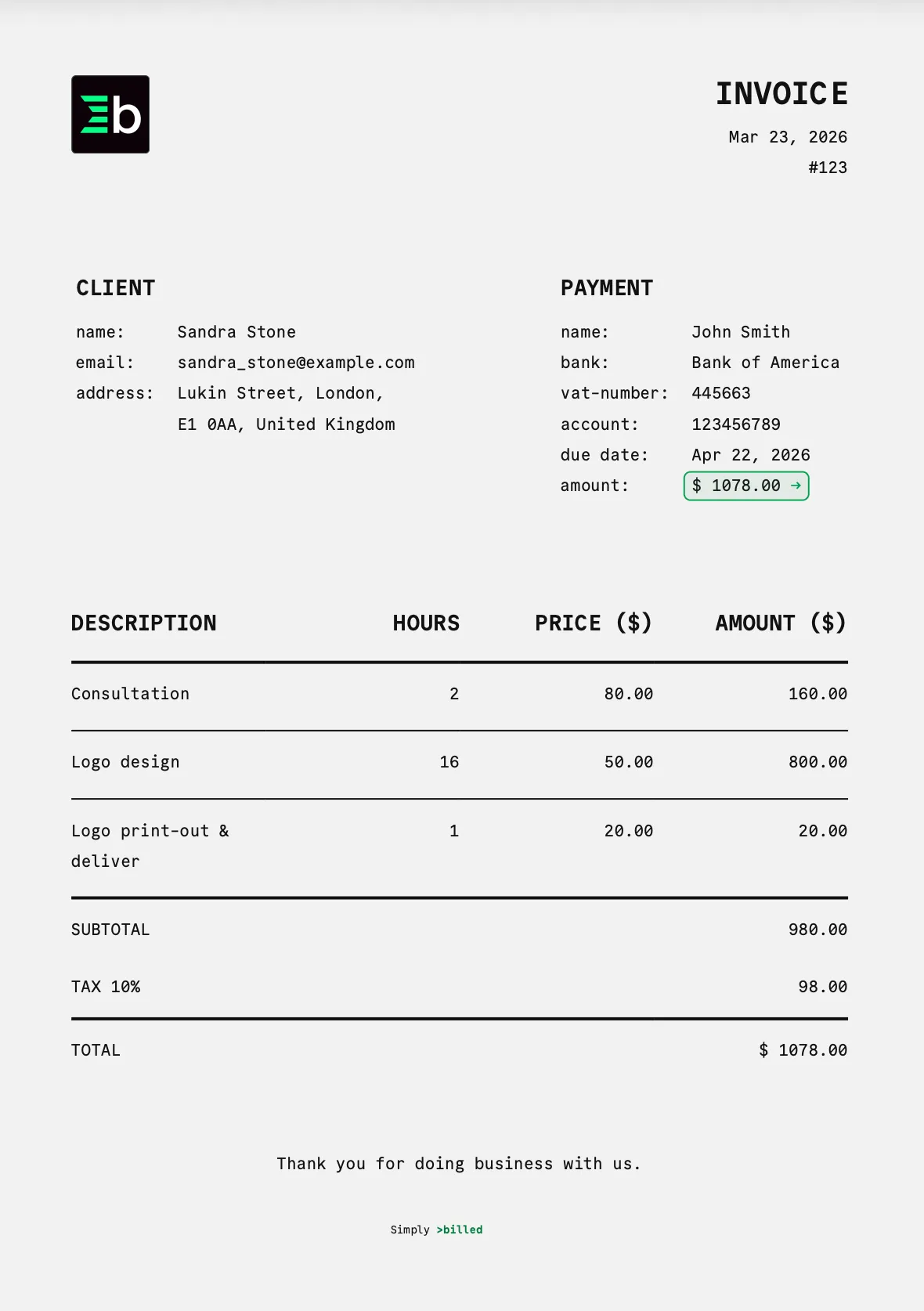
Benefit from everything
Billed has to offer
Zero config to start
Install globally, answer a few prompts and your first invoice is ready.
Customisable
Enable dark mode, add your logo and sign off with a personal message. It's all possible.
Clickable payment links
Embed any payment URL directly in the PDF. Clients click once and land straight on your checkout page.
Stays local
No cloud sync, no account, no data sent anywhere. Invoices live in your filesystem — period.
PDFKit-powered
Renders crisp, professional invoices using PDFKit. Fully programmatic — no templates, no drag and drop.
Works with any payment processor
Stripe, LemonSqueezy, PayPal, Wise, Paddle — if it has a URL, billed.dev supports it.
Start billing in 30 seconds.
One global install. Works anywhere Node.js runs.
npm install -g billed bill --init-config